
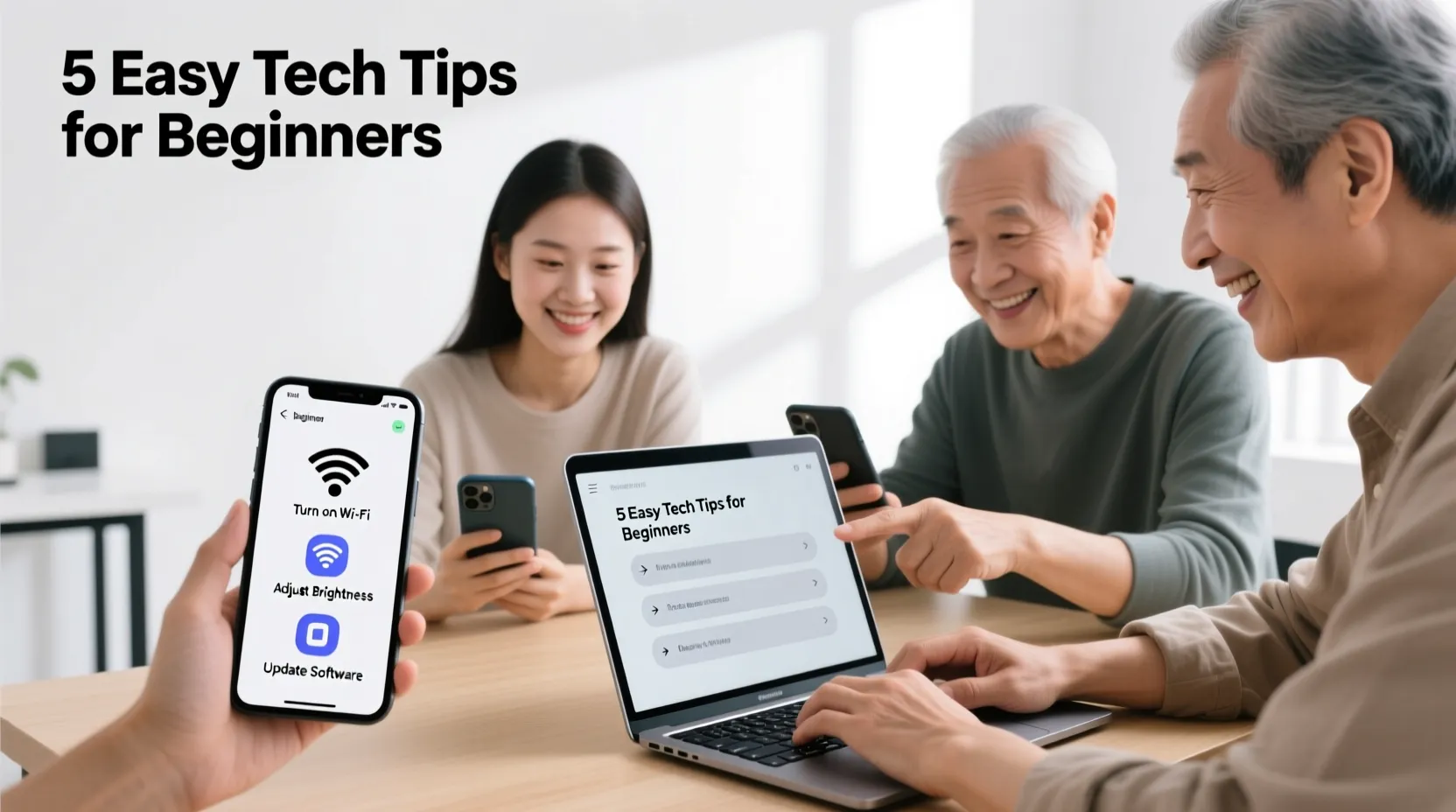

Technology is everywhere today. Smartphones and laptops make life easier, but they can be confusing for beginners.
Learning some simple tips can help you use them with confidence. You don’t need to be an expert to enjoy your device.
This guide will share easy and practical tips for using smartphones and laptops. With these simple steps, you can save time, avoid mistakes, and feel more comfortable with technology.
If you want to browse the internet, send messages, or work on your laptop, these tips are for you.
Keep Your Devices Updated
One of the easiest ways to keep your devices running smoothly is to update them regularly. Updates fix problems and make your smartphone or laptop faster. On a smartphone, check settings for software updates. On a laptop, use the system update feature. Updating also helps protect your device from viruses and other security issues. It only takes a few minutes, and it makes a big difference in performance.
Organize Your Apps and Files
A messy screen or desktop can be confusing. Keep your apps organized into folders or categories. For example, put social media apps together and work-related apps in another folder. On laptops, create folders for documents, photos, and videos. This makes it easier to find what you need. Organizing your device saves time and reduces stress, especially when you are in a hurry.
Learn Basic Shortcuts
Shortcuts save time and make your devices easier to use. On smartphones, learn gestures like swiping, tapping, or pinching to zoom. On laptops, use keyboard shortcuts like copy (Ctrl+C) and paste (Ctrl+V). These simple tricks make tasks faster and reduce repeated work. You don’t have to remember everything at once, just start with a few shortcuts and gradually learn more.
Protect Your Device
Keeping your device safe is very important. Use a strong password or PIN to lock your smartphone or laptop. Install antivirus software on laptops to protect from viruses. Avoid clicking on unknown links or downloading suspicious files. Back up your data regularly so you don’t lose important information. Protecting your device helps you feel secure and prevents problems in the future.
Explore and Practice
The best way to get comfortable with technology is to explore. Try new apps, features, and settings slowly.
Don’t worry about making mistakes; you can always reset or undo changes. Practice daily to get used to your device. The more you explore, the more confident you become. Technology can be fun when you take small steps and learn at your own pace.
Conclusion
Using smartphones and laptops does not have to be difficult. By keeping devices updated, organizing apps and files, learning basic shortcuts, protecting your device, and exploring regularly, you can enjoy technology easily.
These simple tips help beginners feel confident and comfortable. Remember, technology is a tool to make life easier, and with a little practice, anyone can become skilled at using it.
